




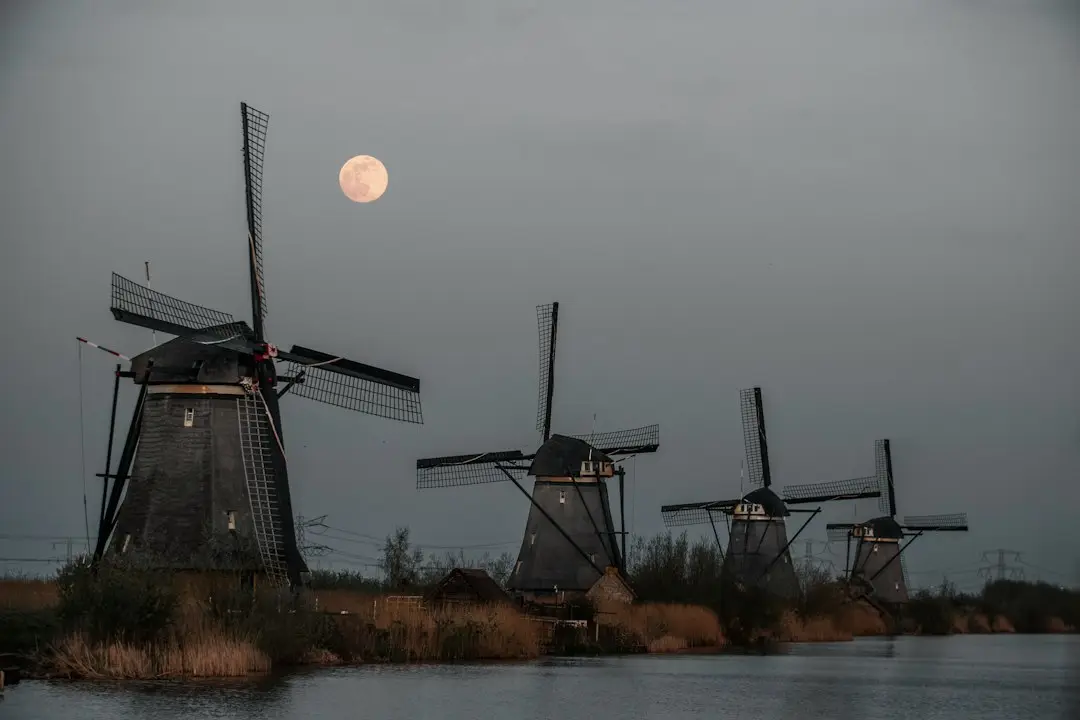
The Netherlands is a enchanting destination for Israeli travelers – amazing cycling routes, world-class museums, and vibrant city life. But like any trip abroad, data overage can quickly turn relaxation into a nightmare. Between navigation, sharing moments on social media, and finding the best restaurant, your data drains at a crazy pace. That's where we come in – five practical tricks that will save you money and headaches.
1. Install your eSIM before you take off
This is the game-changing trick: just before your trip, install an eSIM with a data plan for the Netherlands. Unlike a physical SIM card you'd need to buy at the airport (at inflated prices), an eSIM is installed right into your phone with a quick QR scan. No physical card, no complicated swaps – just scan and you're done. When you arrive in Amsterdam, your data is already waiting for you.
2. Keep your Israeli SIM "alive"
Your Israeli SIM will stay in your device alongside the eSIM. This means you can stay in touch with home, but here's the important part – turn off data roaming on your Israeli SIM. Otherwise, your phone might connect to networks abroad through your Israeli SIM, and that will cost you a lot of money. It's a one-second settings change, but it can save you tens of shekels.
3. Choose a plan that matches your trip length
Don't buy a plan that's too big "just in case." If you're traveling for three days, choose a three-day plan. If you're solo searching for a week plan, think – how much will you actually use data daily? There are flexible plans that fit almost any trip, and with each one you only pay for what you actually need.
4. Use WiFi like a pro
The Netherlands is a mythical land of public WiFi – in cafes, shops, train stations, and hotels. But don't connect to every network you see. Use official WiFi only (ask your hotel or cafe), and avoid unsecured public networks. Golden tip: download offline maps of Amsterdam and its surroundings before you take off. That way you can navigate even without data.
5. Turn off background cloud sync
Apps like Google Photos, iCloud, and OneDrive try to sync your data in the background all the time. On your trip, turn off all this syncing. You can upload photos to the cloud when you get back home on WiFi. This trick alone can save you tens of megabytes every day.
With these tricks, a trip to the tulip fields and canal-lined streets of the Netherlands will be not just beautiful, but also budget-smart. Travel wisely, save on data, and enjoy everything the Netherlands has to offer.
