




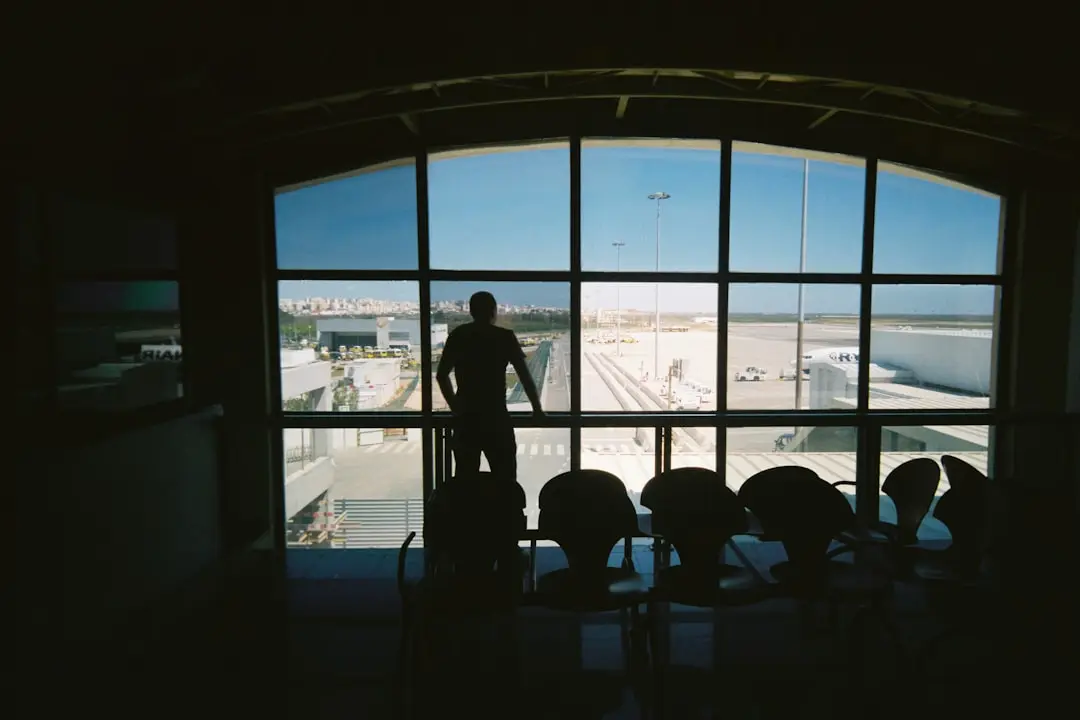
המטוס מנחת בעוד שעה. אתם בשדה התעופה, מחכים לקול ההודעה על עליית הנוסעים, וכאן זה פוגע בכם – האם בדקתם שהטלפון שלכם מוכן לגלישה בחו"ל? אם התשובה היא "עדיין לא", אתם לא לבד. אלפי נוסעים ישראלים מגיעים ליעדים כמו פינלנד, טורקיה או אוסטריה בלי תכנית ברורה לחיבור אינטרנט, ורק במלון או בקפה ווי-פיי הם מבינים שהם בצרה.
הטוב בחדשות? אתם יכולים לתקן את זה עכשיו, בעוד 10 דקות. הנה צ'ק-ליסט דיגיטלי שיוודא שתגיעו ליעד מוכנים.
1. בדקו שהטלפון שלכם תומך eSIM
אם יש לכם אייפון 13 ומעלה או סמסונג גלקסי S20 ומעלה (ורוב הטלפונים החדשים), אתם בסדר. אם אתם לא בטוחים, עברו להגדרות, חפשו "Cellular" או "SIM", ובדקו אם יש אפשרות להוסיף "eSIM" או "Digital SIM". אם אתם רואים את זה, אתם מוכנים.
2. וודאו שיש לכם מקום לeSIM נוסף
בטלפון אחד אפשר להשתמש בשני כרטיסי SIM בו-זמנית – הכרטיס הפיזי שלכם מסלקום או פלאפון, וeSIM נוסף לגלישה בחו"ל. בדקו בהגדרות כמה כרטיסים כבר מותקנים. אם יש לכם רק אחד, יש לכם מקום.
3. הורידו את אפליקציית nRed או הגעו לאתר
לפני הטיסה, בעוד אתם בישראל עם חיבור אינטרנט יציב, קנו את חבילת ה-eSIM שלכם. אם אתם נוסעים לפינלנד או לאחת מ-40 המדינות האחרות שבהן nRed פעילה, בחרו את היעד, בחרו את גודל החבילה (תלוי כמה ימים אתם שם וכמה גלישה אתם צריכים), וקנו. לא צריך לחכות להגעה ליעד.
4. סרקו את ה-QR קוד בטלפון שלכם
אחרי הקנייה, תקבלו קוד QR. סרקו אותו עם המצלמה של הטלפון, או פתחו את הקישור שקיבלתם בהודעה. בתוך שניות, ה-eSIM יתקין עצמו. לא צריך כרטיס פיזי, לא צריך לחכות לדואר, לא צריך להחליף כרטיסים בחנות.
5. בדקו שהקו הישראלי שלכם עדיין פעיל
זה החלק החשוב. אחרי התקנת ה-eSIM, בדקו בהגדרות שיש לכם שני כרטיסים פעילים – הישראלי (סלקום/פלאפון) וה-nRed. בדרך כלל, כשאתם בחו"ל, אתם משנים את הכרטיס הראשי לnRed כדי לגלוש, אבל הישראלי נשאר פעיל. זה אומר שקבוצת הווטסאפ של המשפחה יכולה להגיע אליכם, ואתם יכולים להשתמש בשני מספרים בו-זמנית אם צריך.
6. בדקו את חוקי הנסיעה של היעד
לפני שאתם טסים לפינלנד או לכל יעד אחר, בדקו אם יש דרישות מיוחדות. באירופה, למשל, צריך להיות לכם ה-ETIAS (אישור דיגיטלי) החל מ-2025. בארצות הברית צריך ESTA. בדקו את זה עכשיו, כי זה קשור ישירות לחיבור האינטרנט שלכם – אתם תזדקקו לו כדי למלא את הטפסים.
7. הגדירו התראות לשימוש בנתונים
לפני שאתם טסים, הגדירו בהגדרות הטלפון התראה כשאתם משתמשים בכל הנתונים של החבילה. אתם לא רוצים להגיע ליום האחרון של הטיול ולגלות שנגמו לכם הגיגה-בייטים.
סיכום: 10 דקות עכשיו, שקט מלא בחו"ל
זה זה. אם עשיתם את כל זה, אתם יכולים להנות מהטיול בלי להיות חרוטים לחיפוש ווי-פיי. הקו הישראלי שלכם נשאר פעיל, אתם יכולים לשתף תמונות מפינלנד או מטורקיה ישירות, ולהישאר מחוברים. וכשאתם חוזרים הביתה, אתם פשוט משנים בחזרה לכרטיס הישראלי – בלי טרחה.
טיסה טובה.
